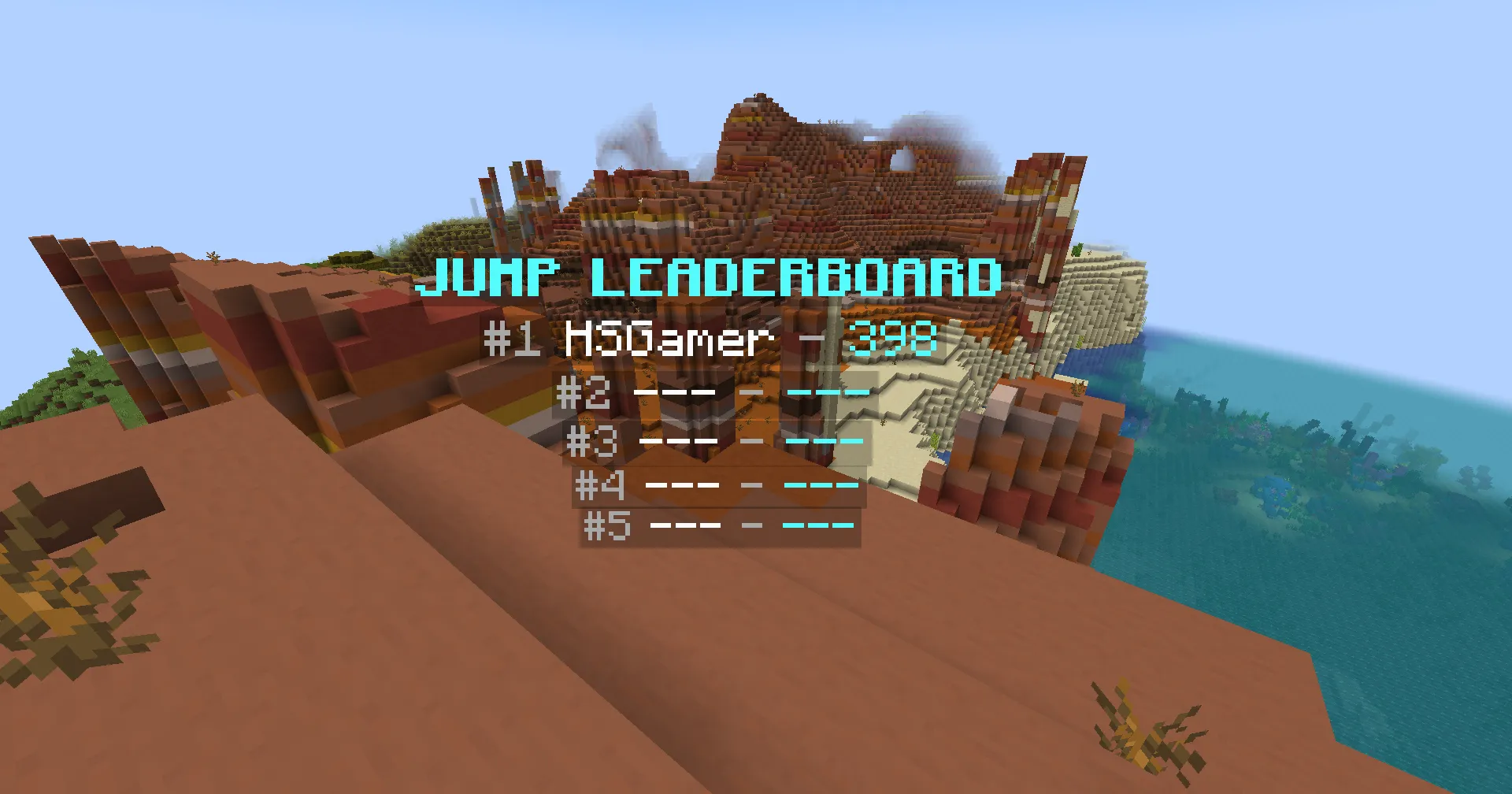
Create a Hologram
You can use the top_name and top_value placeholders to display players in the leaderboard.
Here is an example of a hologram that displays the top 5 players in the leaderboard:
&b&lJUMP LEADERBOARD&7#1 &f%topper_jump;top_name;1% &7- &b%topper_jump;top_value;1%&7#2 &f%topper_jump;top_name;2% &7- &b%topper_jump;top_value;2%&7#3 &f%topper_jump;top_name;3% &7- &b%topper_jump;top_value;3%&7#4 &f%topper_jump;top_name;4% &7- &b%topper_jump;top_value;4%&7#5 &f%topper_jump;top_name;5% &7- &b%topper_jump;top_value;5%<aqua><bold>JUMP LEADERBOARD<gray>#1 <white>%topper:query jump;top_name;1% <gray>- <aqua>%topper:query jump;top_value;1%<gray>#2 <white>%topper:query jump;top_name;2% <gray>- <aqua>%topper:query jump;top_value;2%<gray>#3 <white>%topper:query jump;top_name;3% <gray>- <aqua>%topper:query jump;top_value;3%<gray>#4 <white>%topper:query jump;top_name;4% <gray>- <aqua>%topper:query jump;top_value;4%<gray>#5 <white>%topper:query jump;top_name;5% <gray>- <aqua>%topper:query jump;top_value;5%